Digital Banking Solutions

[Insert FI Name] Online & Mobile Banking

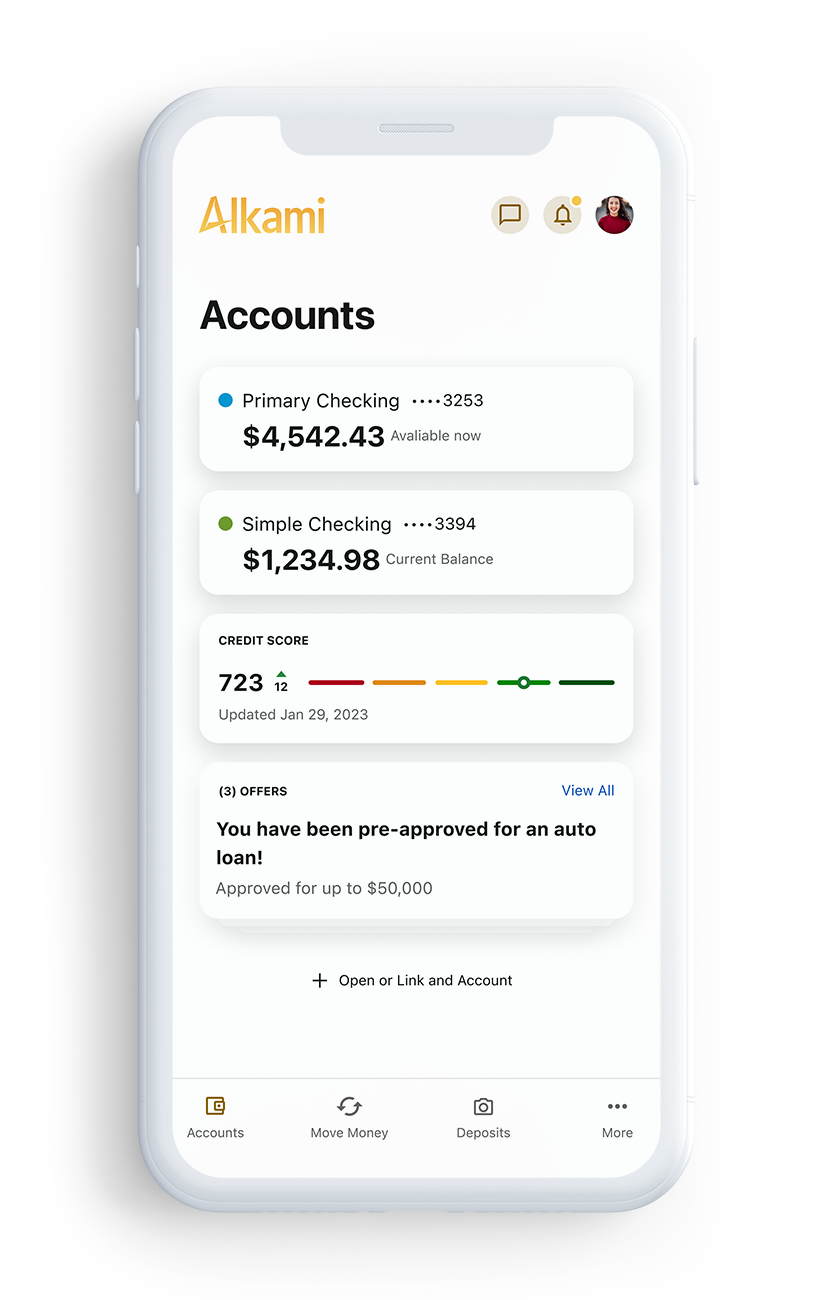
We are excited to showcase your new digital banking experience. The reimagined platform is focused on your banking needs by making it easier for you to self-service from your smartphone, tablet, or computer. Now you can access and manage your finances faster than ever before.

What's New?

Features

Gain insights into your accounts and balances
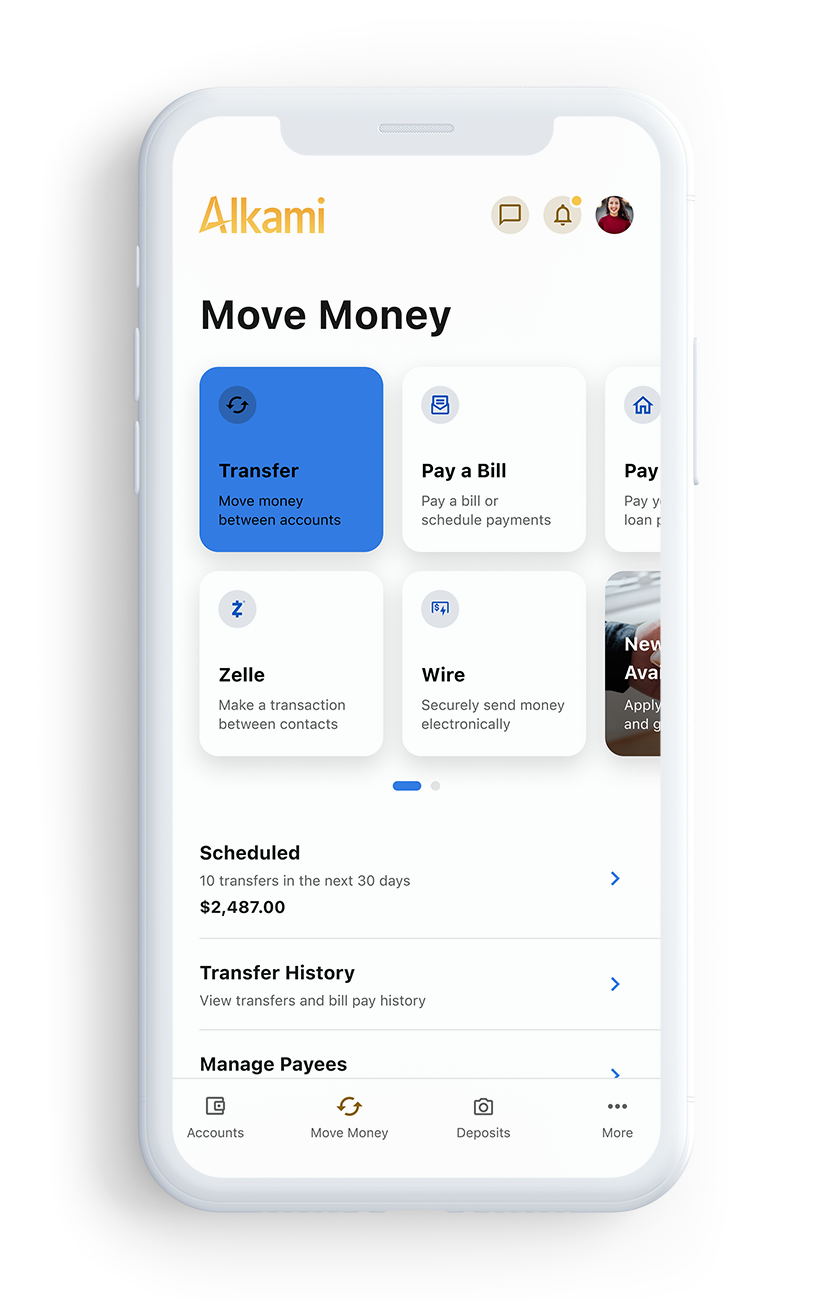
Make transfers
Configure profile & security settings
Send messages
Grow financial wellness
Manage alerts
Make payments
[Add additional details for any add-on purchases]

Mobile Apps

The mobile app is packed with convenient features and services to make your financial life easier. Many of our branch services are also available on the app. Download yours today.

Android Google Play [Insert link to Android Google Play app download]

Apple App Store [Insert link to Apple App Store app download]

Digital Wallets

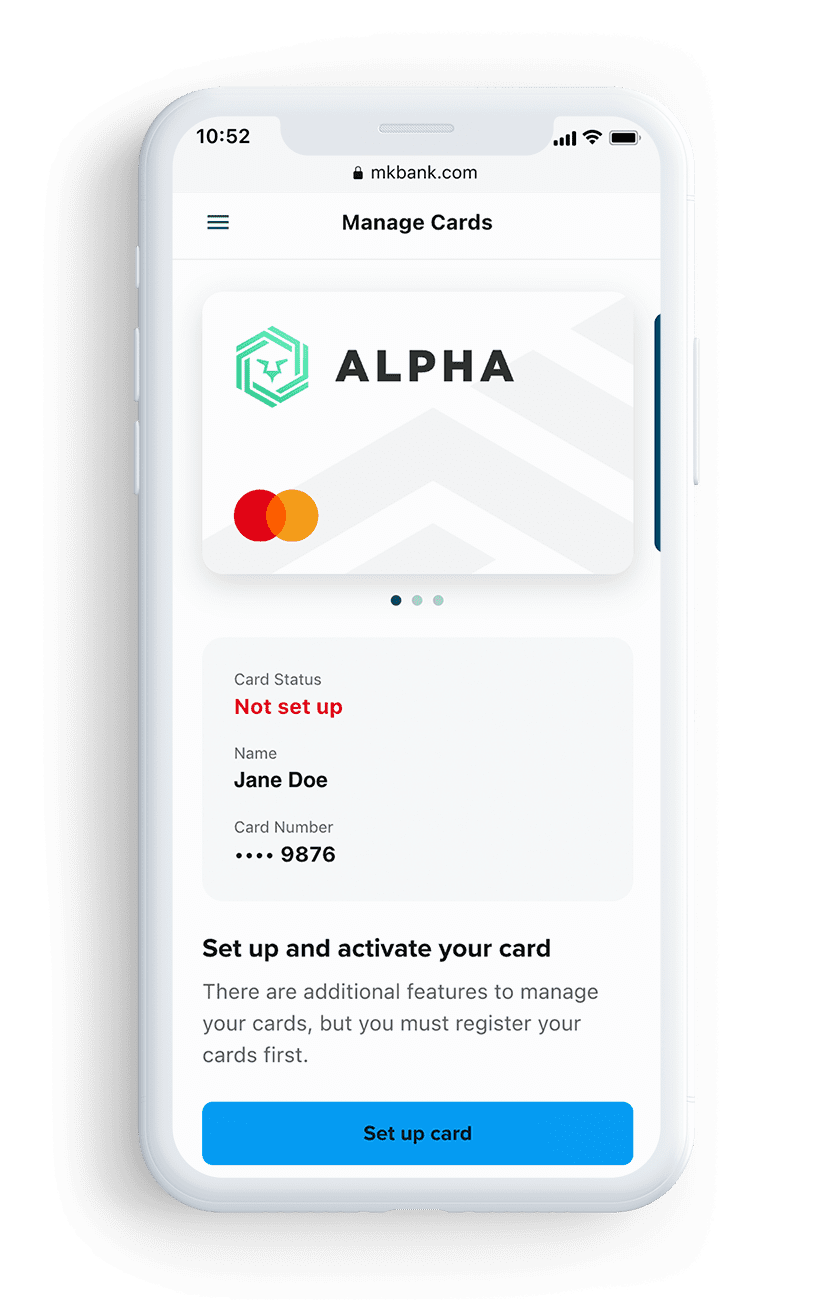
A digital wallet lets you pay for purchases from your mobile device just by waving or tapping it at the checkout terminal. Add your debit and credit card to your digital wallet and enjoy the convenience of paying for purchases while on the go.

Click on your preferred option below to learn more about how to activate and use your digital wallet.


Apple Pay

Google Pay

Get the Most Out of Your Banking Experience

Set up direct deposit with [FI Name]
Create a savings goal
Have users take the FinHealth survey to better understand your goals for spending, saving, borrowing, and planning
Use secure in-app messaging between you and [FI Name]
Enroll in multi-factor authentication for improved security measures
Easily make payments and transfers with industry-leading money movement capabilities
Opt in to notifications and alerts
[Add additional details for any add-on purchases - for example: monitor your credit score, get support 24/7 with our virtual financial assistant, purchase Bitcoin, etc.]

Supported Browsers & Devices

Browser Support

Google Chrome: Latest X versions
Firefox: Latest X versions
Microsoft Edge: Latest X versions
Safari: Last X major versions

Device Support

iOS: Last X major releases
Android: Version X

Note –
Windows: Versions still supported by Microsoft & support a browser listed. Alkami does not provide a Windows phone app.
OS X: Versions still supported by Apple &
support a browser listed.

Visit this Alkami Community page for the latest technical information around supported browsers and devices

FAQs

If you have an existing account, the first time you log into our enhanced digital banking application will be a simple process. You can expect the login process to be the same, whether you are on desktop or mobile.

To get started, visit your app store to get the most updated version of the new digital banking application.

  • Once the app is open, enter in your current digital banking username and password and tap login.
  • The mobile app will prompt you to create a new password.
  • Read the disclosure and check the box next to I agree, then select continue.
  • Select a delivery method to receive a temporary passcode, then select continue.
  • Select the delivery method of your choice to receive a temporary passcode, then select continue.
  • Once you have received your one-time passcode, enter it into the field provided, then click verify.
  • Now create a new password ensuring it meets all necessary requirements in order to keep your account secure.

From here, the mobile app will complete your login process and take you to your accounts.

  • Navigate to the login area.
  • Click on the login button and click “Forgot Password?” located under the login box.
  • Agree to the password safety guidelines and click continue.
  • Confirm your identity. You will need your username, social security number and zip code.
  • Select the method by which you would like to receive your temporary password.
  • Enter your username.
  • Enter the temporary password you receive. This password is good for 24 hours.
  • Create your new password.

After you have logged in for the first time and updated your password, go to “Settings” located under your name in the top right corner. Select “Security” and make your changes. You can update your username and/or password and manage multi-factor authentication options.

To access online banking, use Chrome, Edge, Safari or Firefox. Please make sure to disable pop-up blockers, as those will limit access to some online banking functions.

Contact [Insert contact information].

Stay Connected

Keep up to date with the latest [FI Name] news. Follow along on social media and get ready for your upgraded digital banking experience.

*This landing page was created as an example template for Alkami online banking clients to use as a communication channel during their implementation. Please feel free to copy and paste any language or images and customize with your own branding.

Starter
Compliance

Catch fraud early
and reduce risk

Growth-
Oriented

Expand your commercial
capabilites

Advanced
Payment Security

Advanced protection
with revenue generation
Check Positive Pay Solutions
Payee Positive Pay
Check Positive Pay
Teller Validation
Reverse Positive Pay
ACH Positive Pay Solutions
ACH Positive Pay (debits)
ACH Positive Pay (credits)
ACH Credit Origination Protection
Reporting Solutions
Account Reconciliation
ACH Returns & NOCs
EDI Translation